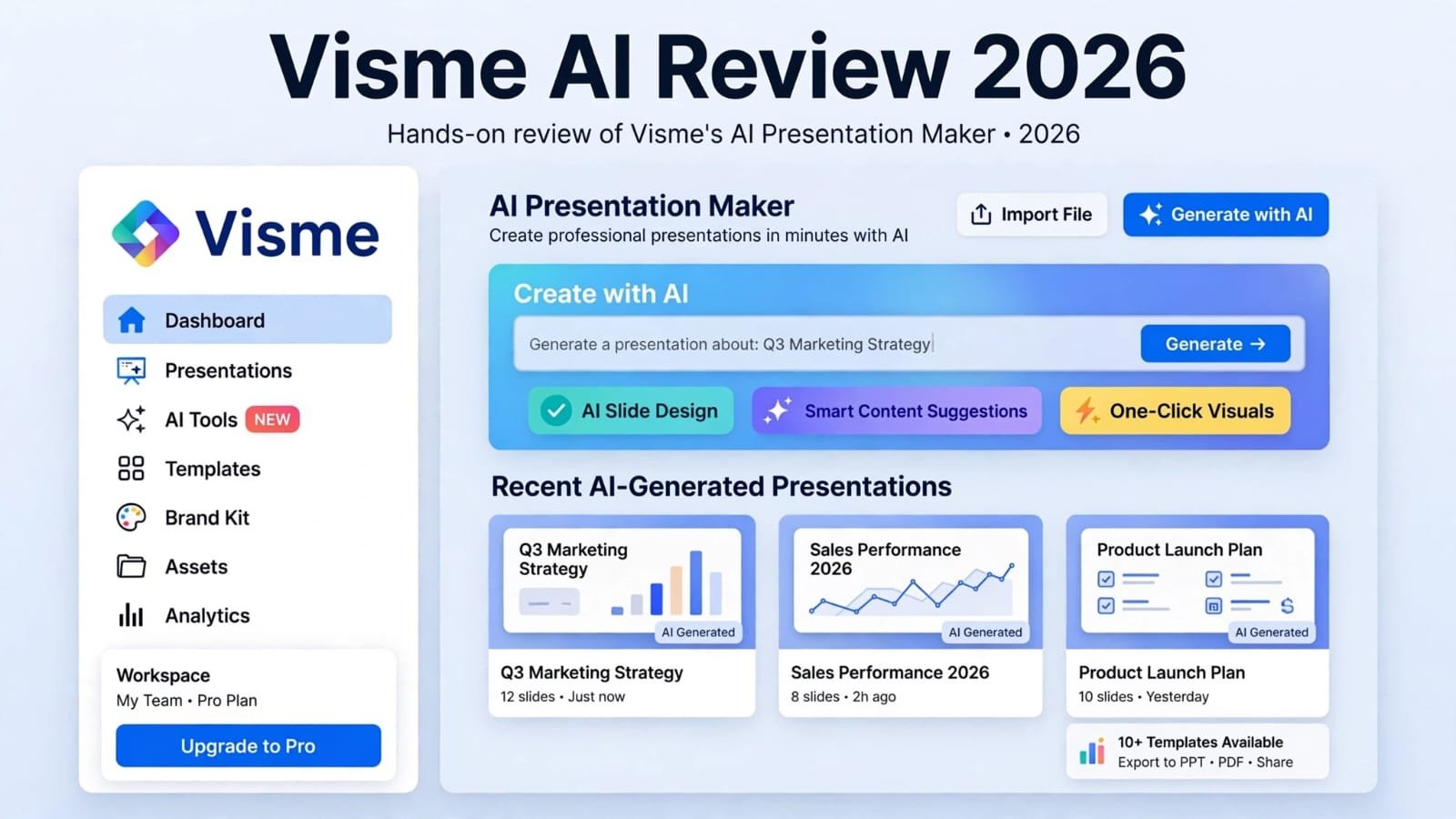
Visme AI is an AI-powered design and presentation tool that helps users create presentations, infographics, reports, social media graphics, and other visual content. It combines AI generation with a drag-and-drop editor, making it useful for marketers, students, businesses, and people who do not have advanced design skills.
But is Visme AI actually useful for creating professional presentations? In this review, we’ll look at its AI features, pricing, free plan, benefits, limitations, and practical use cases.
What Is Visme AI?
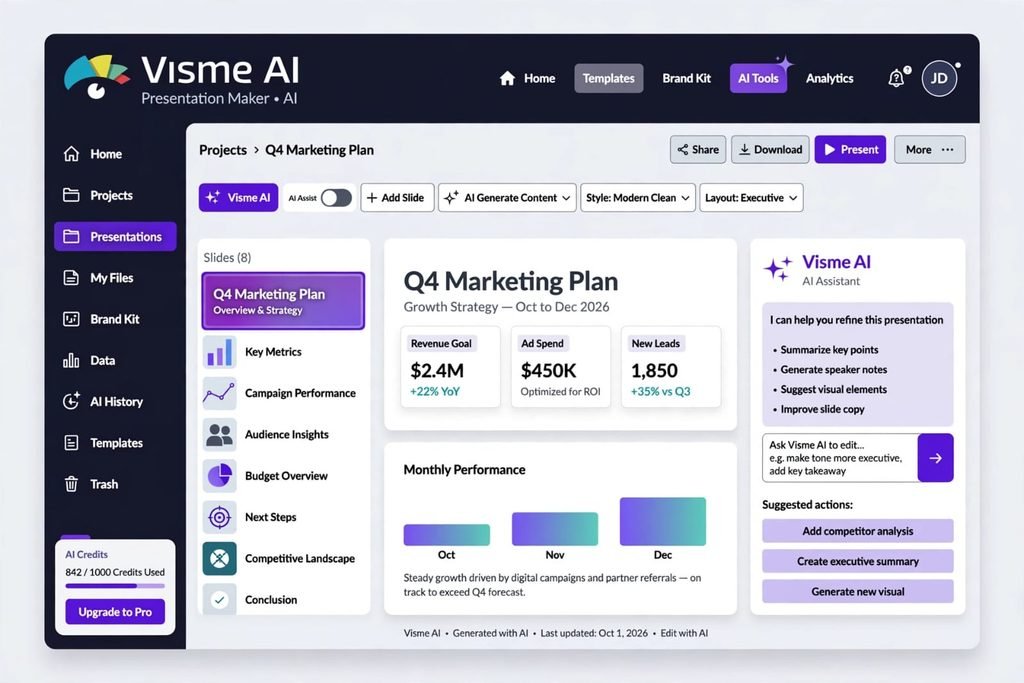
Visme is a cloud-based visual content creation platform designed for presentations, infographics, data visualization, documents, and other business content. It combines ready-made templates with an editor that allows users to customize text, graphics, charts, images, and animations.
The Visme AI features allow users to generate presentation drafts from text prompts and work with uploaded documents. Users can describe the type of presentation they need, choose a visual theme, and then edit the generated slides manually.
This makes Visme AI particularly useful when you need a quick starting point instead of designing everything from scratch.
How Does Visme AI Work?
The basic workflow is relatively simple:
- Create or log in to your Visme account.
- Open the AI creation area.
- Enter a detailed prompt describing your presentation.
- Select a suitable design theme.
- Generate the presentation.
- Review the slides and make manual edits.
You can also provide additional information through attachments such as PDF or DOCX documents. The source testing showed that Visme AI can use uploaded material as part of the presentation-generation process.
For better results, your prompt should clearly mention the audience, number of slides, topic, tone, important information, and preferred design style.
Visme AI Features
Visme AI offers several features that can help speed up visual content creation.
AI Presentation Maker
The AI presentation maker can turn a text description into a presentation draft. It can create slide structures, layouts, tables, and other visual elements based on the information provided.
However, practical testing found that AI-generated slides may still need manual formatting. Problems such as overlapping text, hidden content, and inconsistent layouts were observed during testing.
Data Visualization
One of Visme’s major strengths is data visualization. The platform provides charts, widgets, and data-related design features that can be useful for business reports, dashboards, and infographics.
It can also work with data integrations such as Google Sheets and Excel, according to the source material.
Templates and Design Tools
Visme includes a large collection of presentation templates and visual assets. Users can customize colors, layouts, images, animations, charts, and other elements through the visual editor.
This makes it possible for non-designers to create professional-looking visual content without starting with a completely blank canvas.
Visme AI Pricing
Visme uses different subscription levels depending on the user’s requirements. According to the provided 2026 source material, the plans include Basic, Starter, Pro, and Enterprise.
- Basic: Free, with limited AI credits and features.
- Starter: Starts at $12.25/month when billed annually.
- Pro: Starts at $24.75/month when billed annually.
- Enterprise: Custom pricing for larger organizations.
The free plan can be useful for testing the platform, but there are important export restrictions. Paid plans provide access to additional export formats and business features.
Is Visme AI Free?
Yes, Visme offers a free Basic plan. The source material states that the free plan includes limited AI credits, templates, and access to the editor.
However, free users cannot download presentations in formats such as PowerPoint or PDF according to the tested plan information. Instead, presentations can be shared online through a web link.
Therefore, the free version is more suitable for testing Visme AI and creating online projects than for users who regularly need downloadable presentation files.
Visme AI Pros and Cons
Pros
- AI can quickly create a presentation draft.
- Large selection of templates and visual assets.
- Strong data visualization capabilities.
- Useful for infographics and business reports.
- Drag-and-drop editing is available.
- Supports interactive online content.
- Suitable for users without advanced graphic design skills.
Cons
- AI-generated layouts may require manual cleanup.
- Text can sometimes overlap or become hidden.
- Complex documents may not be converted perfectly.
- The free plan has export limitations.
- Advanced features require a paid subscription.
- AI-generated presentations may need additional quality checking before professional use.
These limitations were also observed in the source testing, particularly with complex prompts and document imports.
Visme AI vs Canva
Visme and Canva are both popular online design platforms, but they have different strengths.
Visme is particularly focused on data visualization, interactive documents, presentations, and business-oriented visual content. Canva is generally known for its simple drag-and-drop experience and broad range of everyday graphic design templates.
If your main goal is creating data-heavy reports, interactive presentations, and infographics, Visme may provide the features you need. If you mainly want quick social media graphics and simple designs, Canva may be easier to work with.
The right option ultimately depends on the type of content you create and the features you need.
Who Should Use Visme AI?
Visme AI can be useful for:
- Marketers creating presentations and reports
- Small businesses
- Students and educators
- Content creators
- Business professionals
- People creating infographics
- Teams working with data visualization
- Users who need presentation ideas quickly
It is especially useful when you want to overcome the blank-page problem and generate an initial visual structure quickly.
For important presentations, however, the generated slides should be reviewed carefully before sharing them with clients, executives, or other professional audiences.
Conclusion
Visme AI is a versatile AI design and presentation platform with useful tools for presentations, infographics, data visualization, and interactive content. Its AI features can save time by creating an initial draft from a prompt or uploaded document.
At the same time, AI-generated designs should not always be treated as finished presentations. Testing described in the source material found issues with text placement, formatting, color contrast, and content truncation.
Overall, Visme AI can be a practical tool for quickly creating visual content and presentation drafts, especially for marketing and data-focused projects. Users should review and customize AI-generated content before using it for important professional presentations.
Frequently Asked Questions About Visme AI
1. What is Visme AI used for?
Visme AI is used to create presentations, infographics, reports, visual content, and other designs using AI-assisted generation and templates.
2. Is Visme AI free?
Visme offers a free Basic plan with limited features and AI credits. Some advanced features and export options require a paid plan.
3. Can Visme AI create presentations?
Yes. Visme AI can generate presentation drafts from text prompts and can also work with uploaded documents.
4. Can I download Visme presentations for free?
According to the provided source material, free users cannot download projects as PowerPoint or PDF files and are limited primarily to online sharing.
5. Is Visme AI good for beginners?
Yes. Its templates, drag-and-drop editor, and AI features can help beginners create visual content without advanced graphic design experience.
6. What is Visme best for?
Visme is particularly useful for presentations, infographics, business reports, data visualization, and interactive visual content.
7. Does Visme AI replace a professional designer?
Not necessarily. AI can create a useful starting draft, but complex or high-stakes presentations may still require human editing and design review.
8. Is Visme better than Canva?
The answer depends on your needs. Visme focuses strongly on data visualization and interactive business content, while Canva is widely used for quick and simple graphic design.
9