
This tool is an AI-powered design and prototyping platform that helps product teams, designers, product managers, website builders, and non-technical founders turn ideas into interactive prototypes. Instead of starting every project with a complex design or development workflow, users can describe an idea with natural language prompts and create a visual prototype with interactive UI elements.
The platform is designed around rapid experimentation and iteration. Users can create prototypes, make changes through prompts, work with existing design assets, review different versions, and share their work with stakeholders. This makes it relevant for teams that want to communicate product ideas quickly and reduce unnecessary delays between design and development.
What Is Magic Patterns?
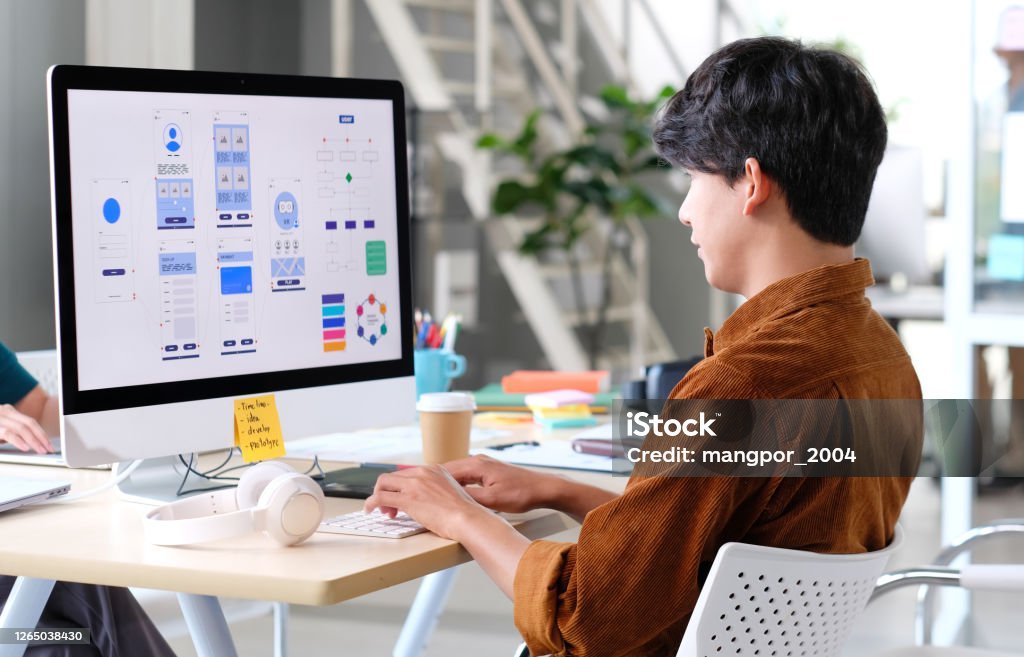
This tool is an AI design tool focused on turning ideas into functioning, interactive prototypes. Users can describe what they want to build, and the platform generates a visual interface based on the prompt.
For example, a product team could describe an onboarding experience or landing page and use the generated prototype to demonstrate how the final interface could work.
The platform focuses primarily on visual communication, rapid prototyping, and product iteration rather than requiring users to build complex backend systems during the early stages of an idea.
Key Features of Magic Patterns
This tool provides several features designed to support AI-assisted design and rapid prototyping.
AI-Powered Prototype Generation
Users can describe an idea using natural language, and AI can transform that description into an interactive prototype. This approach allows teams to move from an initial concept to a visual demonstration without starting every interface manually.
Figma and Existing Asset Import
This tool supports importing assets from Figma and working with existing website elements. This can help teams maintain existing branding, design components, and visual styles when developing new concepts.
Version History and Iteration
Rapid iteration is an important part of the platform. Users can review previous versions of their designs, compare changes, and return to earlier iterations when needed.
This type of version history can be useful for product teams working through multiple rounds of feedback.
Interactive UI Elements
Instead of producing only static designs, This tool focuses on interactive prototypes. Generated interfaces can include UI elements, animations, and other interactions that help stakeholders understand how a product experience could work.
Hosting and Custom Domains
The platform also supports hosting for projects and custom-domain integration. This means a prototype or website can be shared through a live URL rather than relying only on static screenshots or design files.
How Does Magic Patterns Work?
The tool workflow is based on natural language prompts and iterative design.
A typical process can be summarized as follows:
- Start with an idea or design requirement.
- Describe the idea using a natural language prompt.
- Let the AI generate an interactive interface.
- Review the generated design.
- Make changes through additional prompts.
- Share the prototype with teammates or stakeholders.
- Continue iterating until the desired result is reached.
This prompt-driven workflow can make early-stage product development more visual and accessible, especially for people who may not have extensive coding experience
.
Who Can Use Magic Patterns?
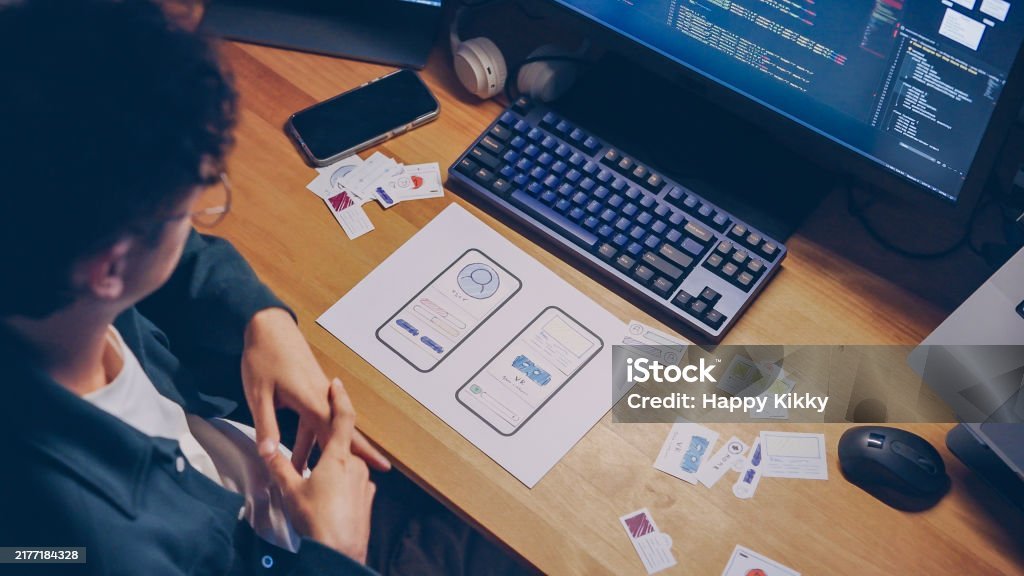
This tool can be useful for several types of users and teams.
Product Managers and Designers
Product managers and designers can use interactive prototypes to demonstrate potential features before they move into a larger development process.
Non-Technical Founders
Founders without extensive technical skills can use natural language prompts to explore website and product ideas without depending entirely on a developer for every early design change.
Website Builders
Website builders can use the platform to create and iterate on website concepts, including projects that require custom domains.
Enterprise Product Teams
Larger teams can use existing assets and design styles while experimenting with complex user interfaces and product concepts.
The source material also describes examples involving businesses such as driving schools and hotels, showing that the platform can be used for different types of website projects.
Magic Patterns for Rapid Prototyping
One of the main purposes of this tool is rapid prototyping. Instead of spending significant time preparing a static concept before collecting feedback, teams can create an interactive version that stakeholders can explore.
This can help teams communicate ideas more clearly because people can see and interact with a proposed interface rather than relying only on written explanations or static images.
Rapid prototyping can also make it easier to identify changes early in the product-development process.
Magic Patterns and Existing Designs
This tool is not limited to creating designs completely from scratch. The platform can also work with existing assets and components.
Through features such as Figma importing and tools for extracting web elements, teams can incorporate existing visual styles into new concepts.
This can help maintain consistency across:
- Logos and brand assets
- Website styles
- UI components
- Existing design systems
- Colors and visual elements
Using existing components can also reduce unnecessary rework when teams are developing new interfaces.
Magic Patterns for Product Teams
Product teams often need to communicate ideas between designers, product managers, developers, and other stakeholders.
This tool can support this process by providing interactive prototypes that are easier to demonstrate and discuss.
Instead of explaining an idea only through a document, a team can create a working visual concept and use it as the basis for feedback.
This can support faster feedback cycles and help stakeholders understand the intended user experience.
Benefits of Using Magic Patterns
This tool can provide several potential benefits for teams working on early-stage product and website concepts.
Faster Idea Visualization
Natural language prompts allow users to move from an idea to a visual prototype quickly.
Easier Collaboration
Interactive prototypes can give designers, product managers, founders, and stakeholders something concrete to review.
Rapid Iteration
Teams can continue modifying a prototype through prompts instead of rebuilding every version from the beginning.
Reduced Design and Development Handoffs
A more interactive design process can help reduce the gap between product ideas and technical implementation during early development stages.
Greater Accessibility for Non-Technical Users
Because the workflow relies heavily on natural language prompts, people without advanced technical skills can participate more actively in the design process.
Magic Patterns vs. Traditional Design and Development Tools
This tool has a different focus from tools that are primarily designed for full-stack development or production code generation.
Traditional design tools can be highly useful for creating detailed interfaces and design systems, while full-stack development platforms may focus on databases, authentication, backend services, and production applications.
This tool focuses more heavily on visual communication, interactive prototypes, rapid iteration, and early-stage product design.
This distinction is important when selecting an AI design tool. The right option depends on whether the main goal is creating a prototype, communicating an idea, designing a UI, or building a complete production application.
How Magic Patterns Supports Customer Feedback
Customer and stakeholder feedback is an important part of iterative product development.
The source material describes how the This tool team learned more about its target users by speaking with customers and discovering that product managers and designers were important users of the platform.
This customer-feedback approach influenced the platform’s direction and helped the team focus on problems related to rapid prototyping and product design.
For product teams, the broader lesson is useful: testing ideas with real users can reveal needs that may not be obvious at the beginning of a project.
Practical Ways to Use Magic Patterns
There are several ways teams can incorporate this tool into their workflow.
Create an Initial Product Concept
Start with a clear description of the product or feature you want to explore. The AI-generated prototype can provide a visual starting point.
Improve a Prototype Through Prompts
Instead of treating the first version as final, continue providing instructions to change layouts, interactions, and other interface elements.
Share Interactive Prototypes
Share the prototype with stakeholders so they can understand and provide feedback on the proposed user experience.
Use Existing Brand Assets
Bring existing assets and components into the workflow when you want the prototype to reflect an established brand identity.
Experiment With Different Ideas
Rapid prototyping makes it possible to explore multiple concepts before committing significant development resources.
Magic Patterns and AI-Powered Design
The growth of AI-powered design tools is changing how teams approach product development. Natural language interfaces allow people to communicate design requirements without necessarily starting with traditional design software or code.
This tool fits into this broader movement by combining AI-generated interfaces with interactive prototyping and iterative workflows.
For startups and product teams, this approach can make experimentation more accessible and help turn abstract ideas into something that can be reviewed and improved.
What Makes Magic Patterns Useful for Startups?
Startups often need to test ideas quickly while working with limited resources. Interactive prototypes can help founders and product teams communicate concepts before investing heavily in full development.
Magic Patterns can support this process by allowing users to:
- Turn ideas into visual prototypes
- Experiment with different interfaces
- Collect feedback earlier
- Iterate through natural language prompts
- Share interactive concepts with stakeholders
- Work with existing brand assets
The source material presents rapid iteration and reduced handoffs as important advantages for fast-moving teams.
Is Magic Patterns Suitable for Everyone?
Magic Patterns can be useful for people who need fast visual prototypes, but its suitability depends on the project.
If the primary requirement is rapid prototyping, UI experimentation, visual communication, or stakeholder feedback, an AI prototyping platform can be valuable.
However, teams that need complex backend infrastructure, databases, authentication, or other production-level systems may require additional development tools depending on the project requirements.
Understanding the difference between prototyping and complete application development is important before selecting any AI design platform.
Conclusion
Magic Patterns is an AI-powered design and prototyping platform focused on helping users turn ideas into interactive visual experiences. Its natural language workflow, iterative design process, asset importing, interactive UI capabilities, version history, and hosting options make it relevant to product teams, designers, startups, website builders, and non-technical founders.
The platform’s main value is its focus on rapid experimentation and communication. Instead of waiting for a complete development cycle before testing an idea, teams can create an interactive prototype, gather feedback, and continue refining the concept.
For anyone exploring AI design tools, AI prototyping platforms, rapid prototyping, or natural language-based UI design, Magic Patterns offers an approach centered on turning ideas into tangible prototypes and supporting continuous iteration.
Frequently Asked Questions About Magic Patterns
What is Magic Patterns?
Magic Patterns is an AI-powered design and prototyping platform that helps users turn natural language ideas into interactive prototypes and visual interfaces.
What can you create with Magic Patterns?
You can use Magic Patterns to explore website concepts, product interfaces, onboarding flows, interactive demos, and other UI-focused prototypes.
Does Magic Patterns support Figma assets?
Yes. The source material states that Magic Patterns supports importing assets from Figma and working with existing design components.
Who can use Magic Patterns?
Product managers, designers, startup founders, website builders, enterprises, and non-technical users can use the platform for prototyping and visual product development.
How does Magic Patterns use AI?
Magic Patterns uses natural language prompts to help generate and modify interactive prototypes and UI designs.
Is Magic Patterns a full-stack development platform?
Magic Patterns is primarily focused on frontend design, visual communication, and prototyping rather than complex backend development.
Why is rapid prototyping important?
Rapid prototyping allows teams to visualize ideas, gather feedback, identify changes, and iterate before investing heavily in full product development.
Can Magic Patterns be used for websites?
The source material describes website-building use cases and hosting/custom-domain functionality. However, current product capabilities should be checked against Magic Patterns’ current official documentation before relying on specific features.